

You can embed your videos on any web page, like a blog or any other website, or even add a linked image to your videos in email campaigns. SproutVideo offers many options for sharing and embedding videos, so this article will only cover the basic methods to quickly copy your account default embed codes.
Be sure to check out our article on customizing embed codes to learn how to edit your embed codes for responsive inline videos, custom player colors, enabling autoplay, custom post-play screens, and much more! You can also create custom presets to quickly load frequently used settings, or customize your account-wide default settings for any embed type.
Getting Your Default Embed Code
To embed a video using your account’s default embed codes, first follow these steps to find your embed codes:
-
Go to the Videos page, click on the video you want to embed, and look for the basic embed code options underneath the video player on the right side of your screen.
-
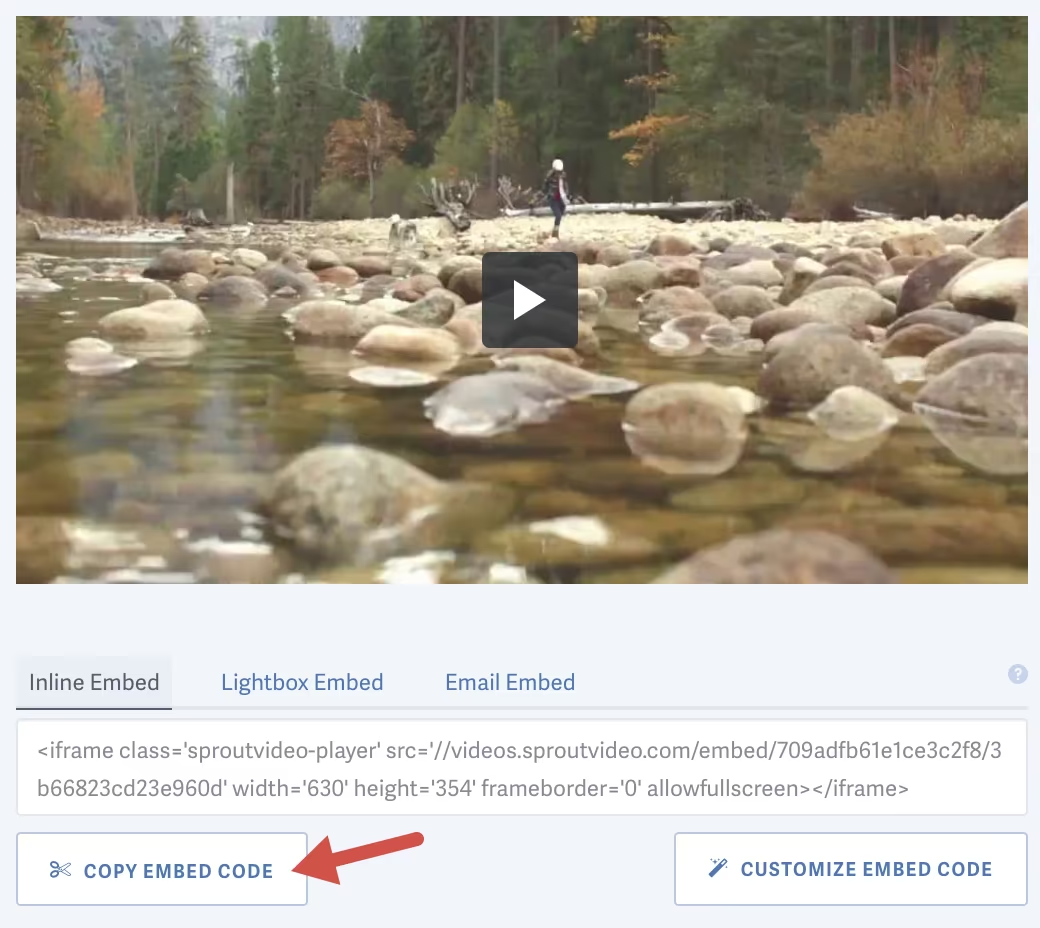
Copy the default inline embed, lightbox embed, or email embed for this video by simply clicking anywhere on the embed code.
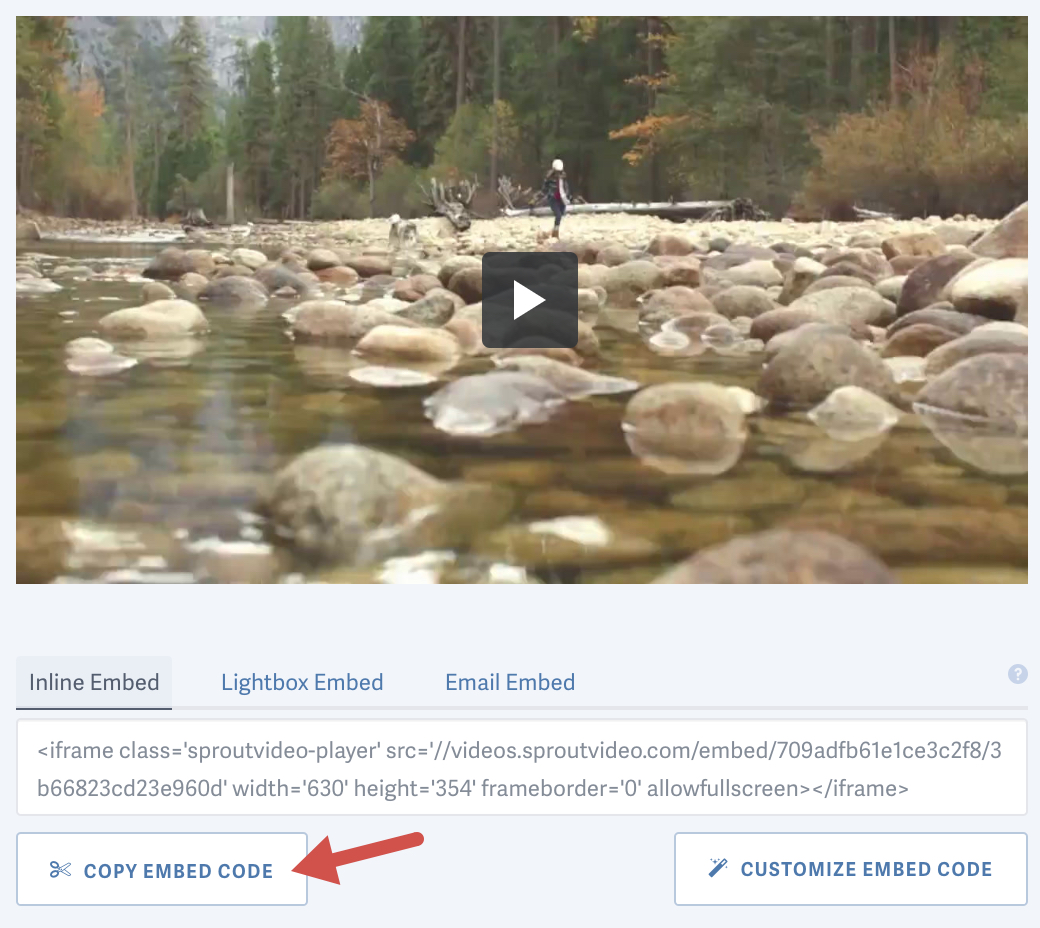
Customize any embed code by clicking the ‘Customize Embed Code’ button or choose the ‘Player Options’ tab at the top of the video detail page (just below your video’s title). Refer to our article on customizing embed codes for videos to learn more about the various player embed options.
OR
-
From your video library page, hover your mouse over the
</>icon.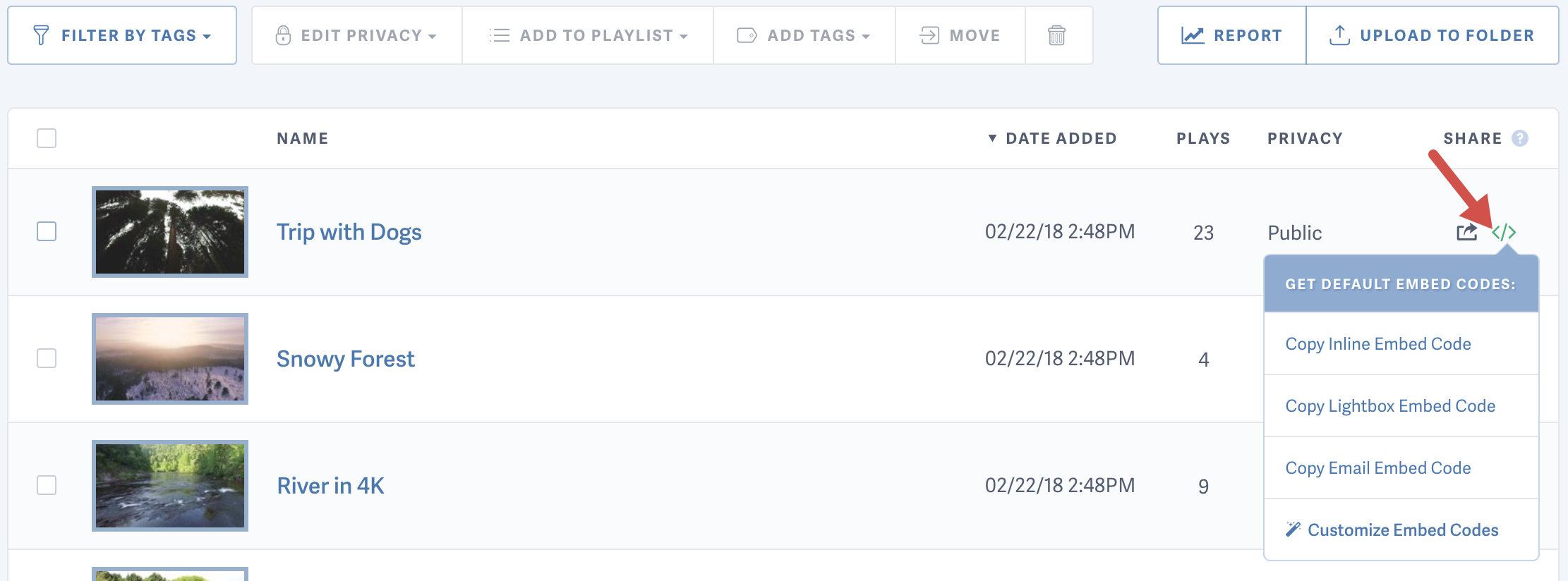
-
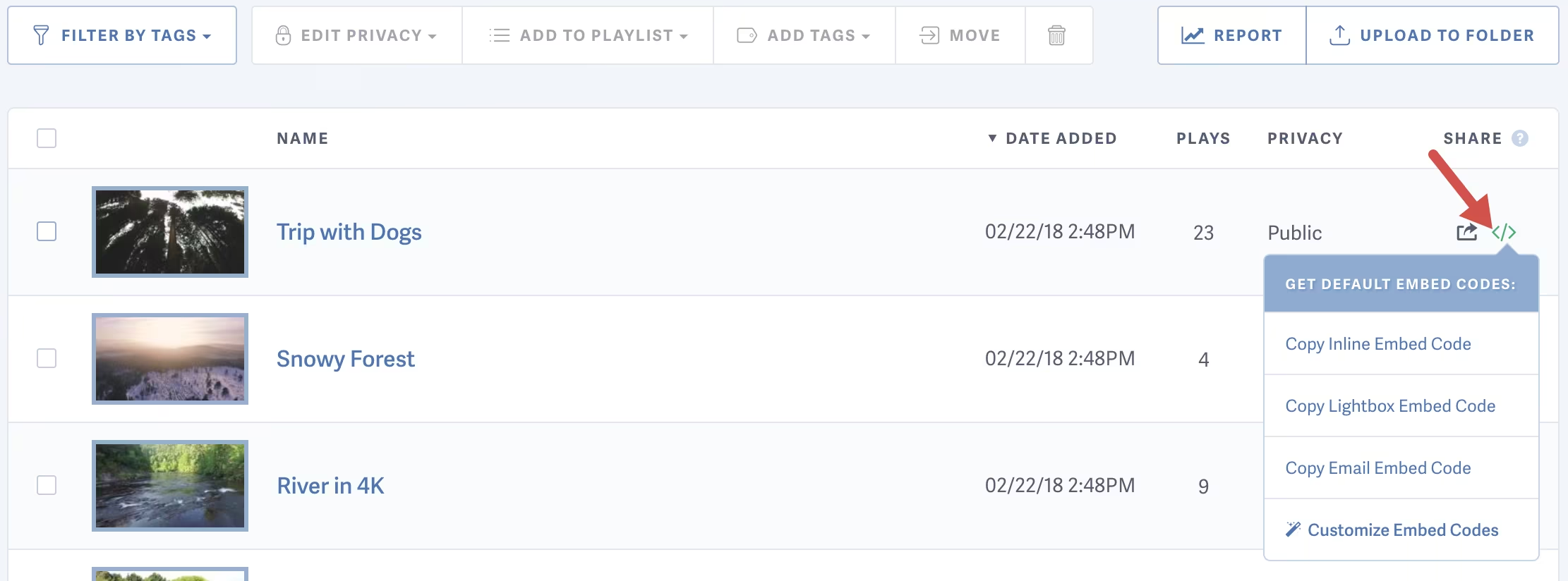
Copy the default inline embed, lightbox embed, or email embed for any video by simply clicking on the embed code you would like. Click the ‘Customize Embed Codes’ link at the bottom of the list if you would like to review or edit the settings for any embed type.
Embedding Your Video
-
Once you have copied the embed code, paste the code into the HTML code of your website.
-
Save or publish your page and you should see the video embedded on your site.
Optionally set a Canonical or Embedded URL
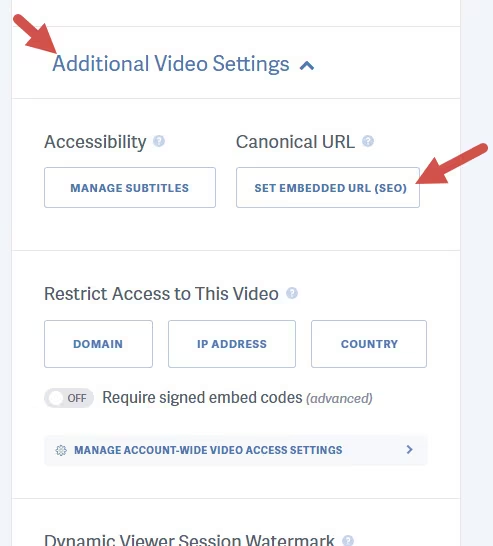
You can set a Canonical or Embedded URL for your videos. This is vital for your video SEO and tells search engines where to find your embedded videos. When you set the Embedded URL for your video, we will automatically add it to the video sitemap we generate for you, and submit it to search engines.
Also, when in-player social sharing is enabled, this is the URL we will use when viewers re-share your video from the social sharing buttons in the player.
To set the Canonical URL click “Additional Video Settings” to expand the section, then click “Set Embedded URL (SEO).” Enter the URL of the page the video will be embedded on and click “Save Embedded Video URL.”
Note: We have specific guides for certain website platforms, like Wordpress, Squarespace, Shopify, and Jimdo. For any website platform not listed, look for an option to paste the embed code into an HTML editor or block.
Other platforms request a Direct MP4 Video Asset URL which we also provide. You can read more about Direct Video File Access here.
Other articles in the Embedding Videos and Live Streams section:

