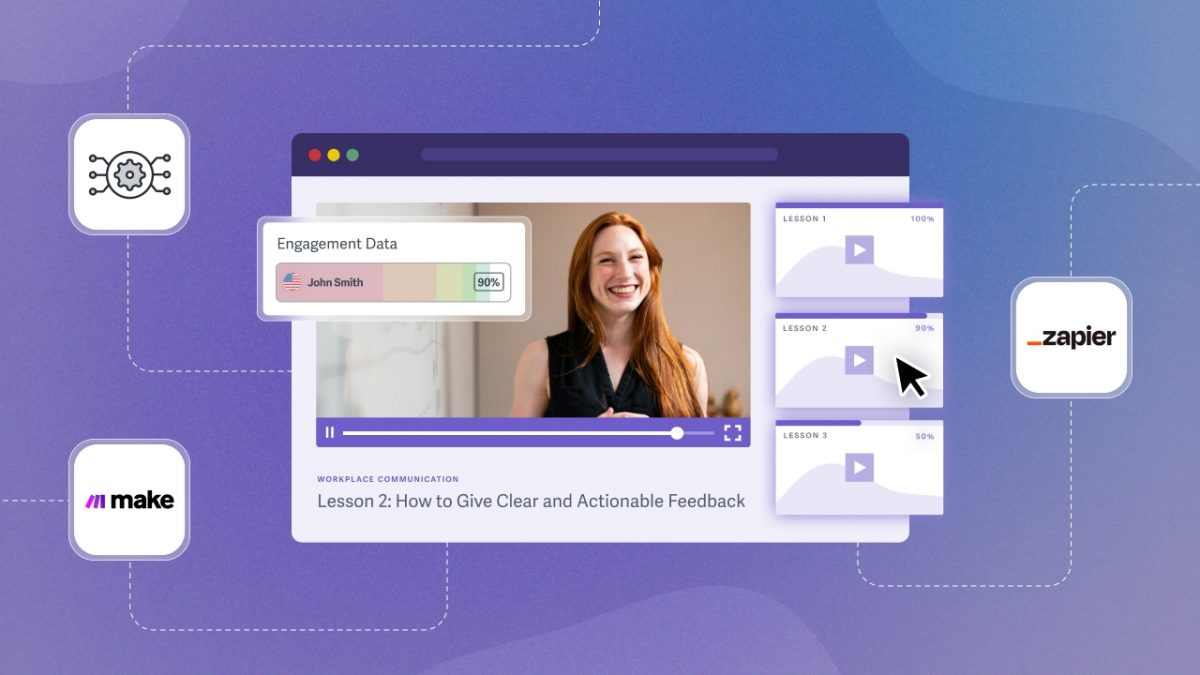

You want your learners to have a seamless, professional video experience inside the learning management system (LMS) you already use.
The problem is that most learning management systems aren’t built for video: playback is unreliable, content is easy to download or share without authorization, and completion data is often incomplete or missing entirely.
SproutVideo picks up where your LMS leaves off. With dedicated video hosting that connects to your existing tools, you gain:
- In-depth engagement analytics
- Video protection
- Automation hooks that sync video events across your stack
Together, your LMS and video hosting platform create an environment where learners can focus entirely on skill building. Use this guide to find the right approach for your business.
Why Use a Video Host Instead of Uploading to Your LMS?
Learning management systems organize the learning experience: courses, quizzes, and learner recordkeeping. A dedicated video host manages video performance, security, and analytics data, connecting with your LMS to sync that information.
Most LMS platforms aren’t built as video infrastructure. Limited storage capacity, unreliable video playback, lack of video protection, incomplete engagement data — these limitations become liabilities as a business grows and content needs to scale.
What a Dedicated Video Host Changes
A secure video host runs behind your learning management system, enabling learners to enjoy a seamless course experience that keeps them focused on the content. In turn, your business can:
- Protect content from unauthorized downloads and sharing
- Track video completion for grading or compliance
- Sync learner progress across tools (email, CRM, Slack)
- Automate notifications based on viewing behavior
- Bring viewer analytics and engagement data into the LMS
- Upload videos directly within the LMS or via cloud storage
- Replace or update video content without re-embedding videos
- Customize the player to match your brand and course experience
- Deliver smooth playback for global and remote teams
- Reduce LMS storage costs by hosting video externally
For example, a company that is onboarding remote employees embeds SproutVideo videos into its LMS courses. When a learner finishes a video, Zapier automations mark the corresponding training module as complete in the LMS and update the employee’s record.
How LMS Connections Work: 3 Flexible Options
Most businesses use multiple connection methods. They work together to create a seamless workflow that reduces manual tasks and makes tracking learner progress easier.
| Connection* | Purpose / Job | Quick Example |
| Embed Codes | Display videos inside course content; protect content | Allow learners to watch the video within your LMS, while keeping content secure. |
| Third-Party Platforms (Zapier / Make) | Bridge and automate workflows between apps without a developer | Auto-send a completion certificate by email when learners finish a course. |
| API Connection | Pull course progress, completion, and learner activity into your LMS | A learner finishes a video. Completion is marked in your LMS when the API checks. |
*Methods are ordered from least to most technical.
1. Embed Codes
Provide a high-quality video experience while keeping learners inside your learning management system: add videos directly into courses with embed codes. It’s the simplest way to connect SproutVideo to your LMS and works with every platform that accepts HTML.
Embed codes ensure reliable video playback and let you customize how your video player looks and behaves. Your content stays protected, too: embed codes protect your direct video file, preventing it from being downloaded or redistributed without your permission.
For example, an online cooking instructor embeds recipe videos directly into each lesson, giving students a seamless viewing experience while ensuring the content can’t be downloaded or shared outside the course.
2. Third-Party Automation (Zapier or Make)
Automate specific actions inside your video workflow with third-party automation platforms like Zapier and Make, no developer needed. These platforms act as bridges between your tools, allowing you to set “if, then” connections. When specific content events (e.g., a video being completed or replayed) occur, an action (e.g., sending an email, updating the LMS) is triggered.
When a viewer completes a defined milestone, SproutVideo passes that data through Zapier or Make to wherever it needs to go: marking a lesson complete in your LMS, updating a contact in your CRM, triggering a follow-up email, and more.
For example, an L&D manager is running a video-based compliance course. When a learner watches 100% of all required videos, Zapier or Make automatically passes that data across the stack: the LMS marks the course “Completed,” the CRM updates the contact as “Certified,” and the certificate is sent by email, all triggered by the learner’s video engagement.
3. API Connection
API is the most flexible and powerful way to connect SproutVideo to your learning management system. You can track video activity in real time, automatically update course progress, trigger workflow actions, and bring video data directly into the system your team uses.
Unlike other connection methods, an API connection lets you build the exact workflow your organization needs from the ground up.
This approach requires developer resources to set up. It’s ideal for large organizations, compliance reporting, and workflows that need to both send and receive data between systems.
For example, an L&D manager at a large organization runs monthly compliance reporting. Rather than manually pulling completion data, their LMS queries the SproutVideo API to sync every learner’s video progress, update completion records, and flag anyone who hasn’t finished required training. This automation ensures the compliance report is always accurate.
Deciding Which LMS Connection Fits Your Business
When connecting SproutVideo to your learning management system, the best method depends on your resources, workflow, and team structure. Ask yourself these three key questions to choose the right approach.
1. Do you have developer support?
Developer resources are often the biggest factor in deciding how much you can automate.
- Yes: Use the API for custom integrations or Zapier/Make for lighter automation.
- No: Embed codes handle course setup, while Zapier/Make automates simple workflows.
You can always layer more advanced options as additional resources become available.
2. How much automation do you need?
Consider how many systems you need to sync and how complex your workflows are.
- Simple workflows: Zapier/Make is the quickest setup for predictable, linear automations with consistent “if, then” inputs and outputs.
- Complex workflows: If your automation involves custom logic, exceptions, or internal systems, the API provides the flexibility and reliability you need.
When in doubt, start simple and scale as your needs grow.
3. How does your team divide responsibilities?
Your team structure often determines what’s sustainable in the long term.
- Dispersed teams: L&D uses embed codes to add videos, while IT uses the API to sync engagement data across the LMS and CRM.
- Centralized/technical teams: The API handles everything, from video uploads to tracking, streamlining management but requiring ongoing development resources.
- Solopreneurs: If you’re managing video in an LMS on your own, embed codes and Zapier/Make are practical options, with no technical background required.
Choosing the right approach ensures each team works efficiently within their strengths.