Background image of leaves with blue overlay

Post Category: “How To Video” Series

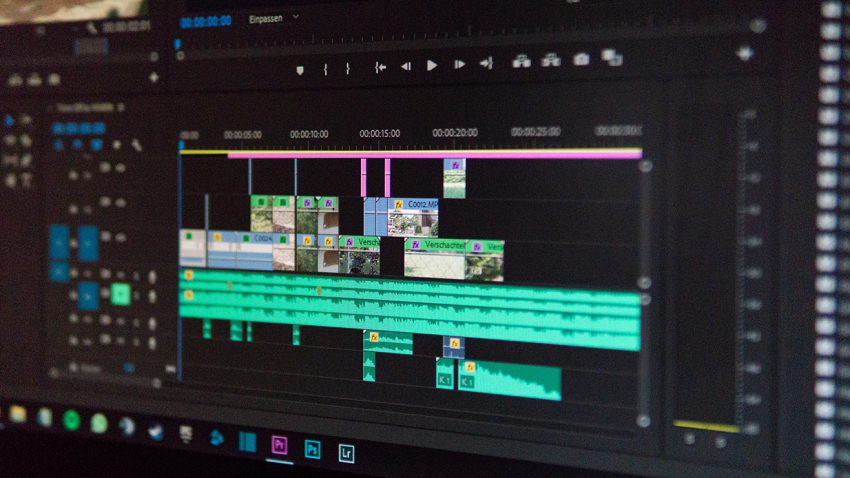
How to Find Music and Edit It Into Your Video

3 MIN TO READ In business videos, the musical score tends to be an afterthought. The right music can give your audience just the right feeling and — more importantly — the wrong music may sink your message. In this episode of our How To Video: Post Production series, Ikey Ajavon, marketing content strategist for SproutVideo, will walk you through the importance of choosing the…
Amazing Anamorphic: Add Cinematic Flair to Your Footage

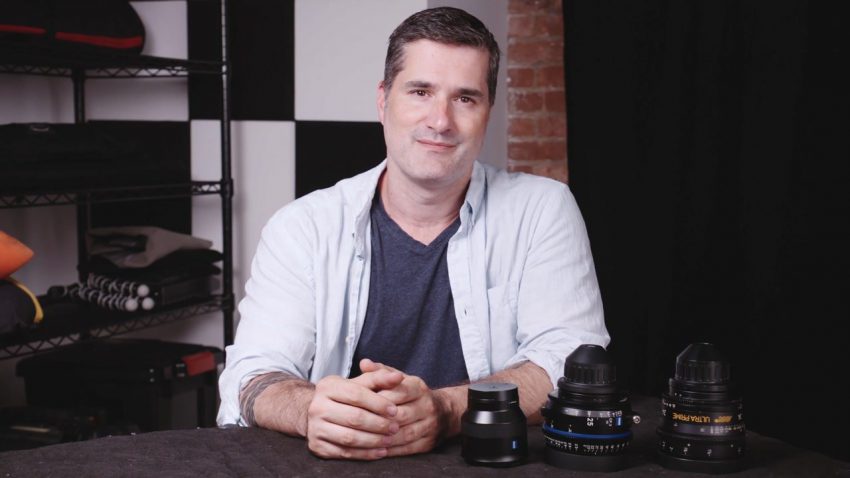
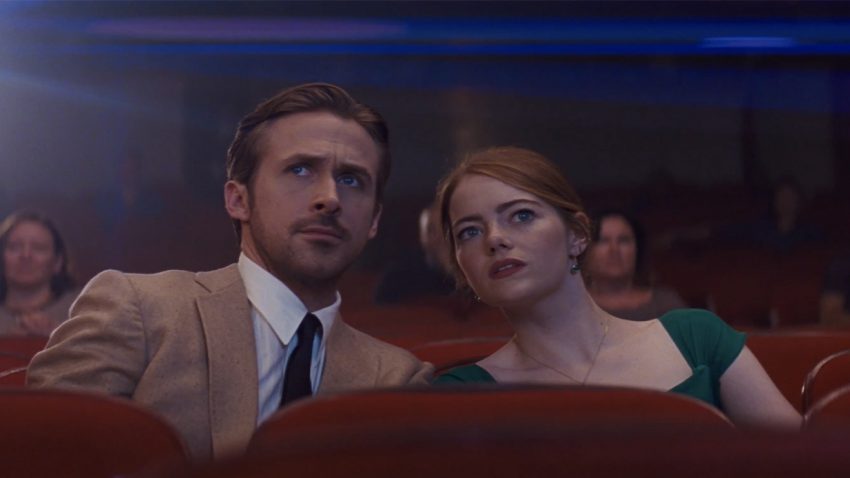
7 MIN TO READ Anamorphic lenses are behind some of the most iconic shots in cinema. Their unique characteristics deliver footage with a specific look that movie-lovers and filmmakers fall for over and again. In this episode of our How To Video: Camera series, we’re taking a deep dive into anamorphic lenses, starting with their origins, and how the footage they produce differs from…

Optimal Optics: a Primer on Lenses

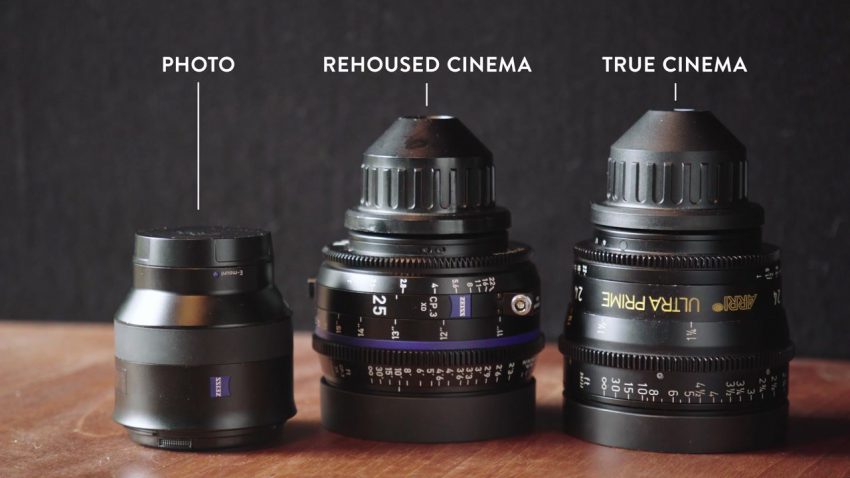
6 MIN TO READ In this episode of our How To Video: Camera series, we’re looking at lenses. The lens you select for your shoot can have a big impact on the resulting footage, as well as the process of filming itself. To help make sure you know which lens to grab for your next shoot, we’re comparing focal lengths, and the differences between…

Making the Grade: How to Color Grade Like a Pro

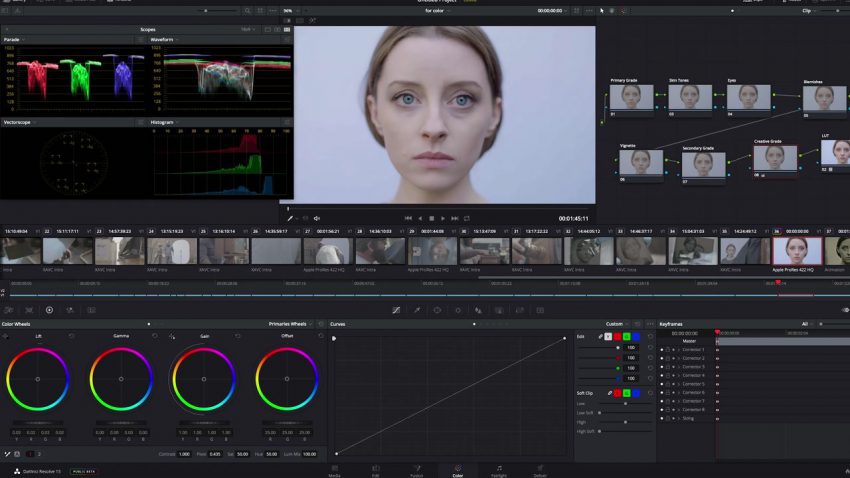
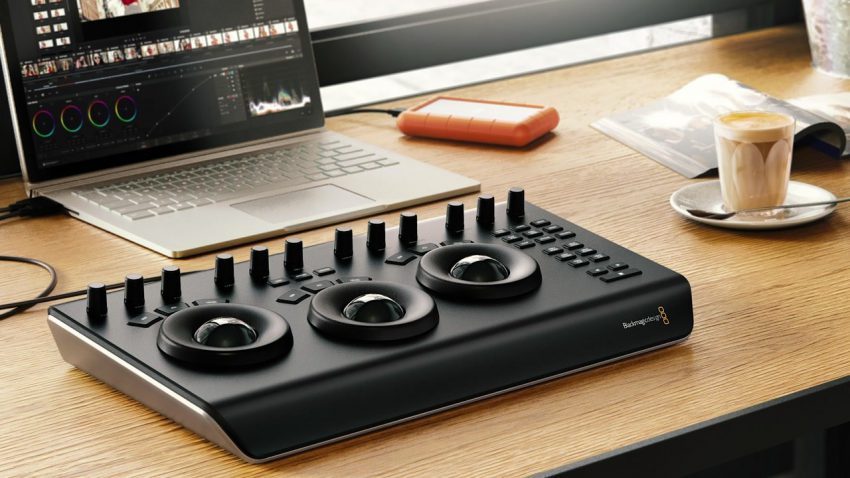
11 MIN TO READ We’ve covered the basics of color grading in Adobe Premiere, and the details of a professional workflow using DaVinci Resolve and Adobe Premiere. In this episode of our How To Video: Post Production series, we’re taking it a step further to show you exactly how to color grade your footage with the same software the pros use. Color grading isn’t…

Optimize Your DaVinci and Adobe Premiere Workflow

5 MIN TO READ In the first episode of our color grading tutorial series, we covered basic fundamentals in Adobe Premiere. Now, we’re going to show you how to incorporate DaVinci Resolve, a professional color grading tool, into your Adobe Premiere editing workflow. Here’s how to make the round trip from Adobe to DaVinci and back more seamless and less error-prone. These tips take…

Color Grading Fundamentals in Adobe Premiere Pro

7 MIN TO READ Color grading is an advanced video editing technique. It allows you to edit the way colors appear on film in post-production. With color grading, you can make scenes more lifelike, achieve a specific look, or infuse emotion into a scene. In this three-part tutorial on color grading, we’ll cover everything, from basic fundamentals to advanced techniques. Although this tutorial is…

The Simple Trick to Lighting Still Life Video Shoots

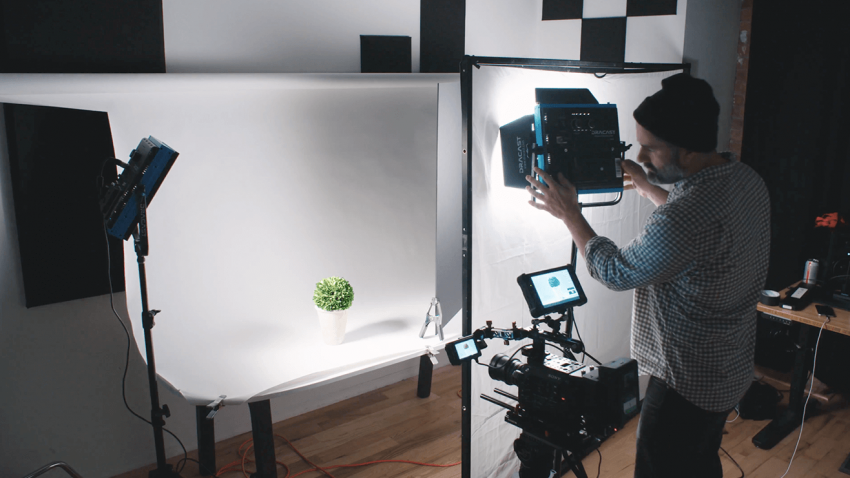
7 MIN TO READ Tabletop shooting is a very specific type of video shoot that can be really hard to get right. Also referred to as still life shooting, it’s very much what it sounds like. Usually, an object is filmed on top of a flat surface in great detail. Think products, tutorials, or stop motion videos. These classic examples of tabletop filming require…